
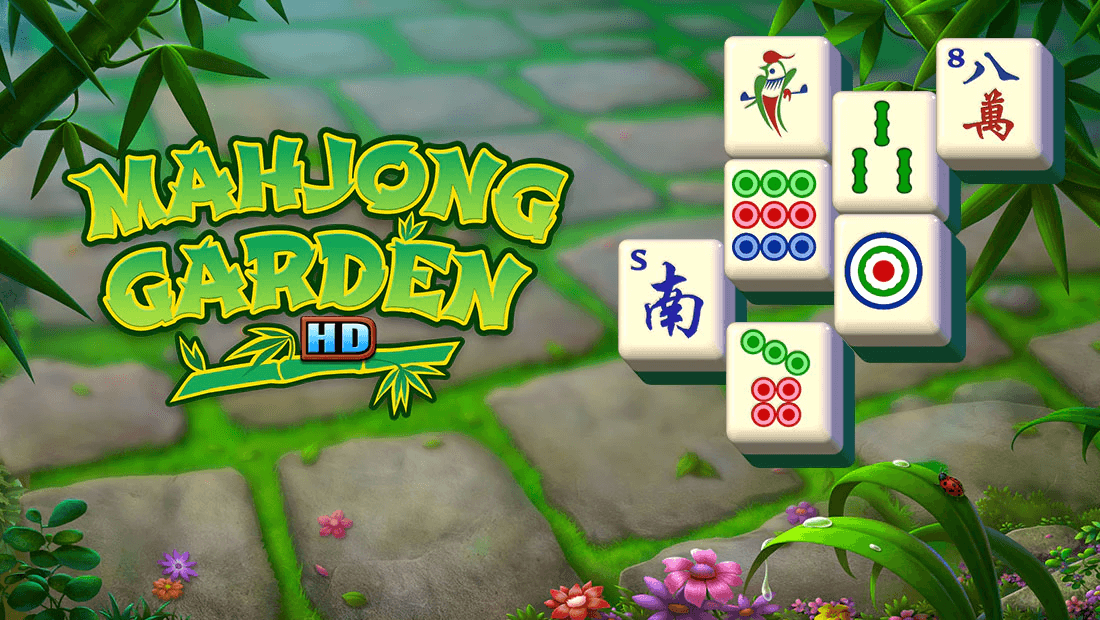
Mahjong Garden HD is an online mahjong game on Pogo, where you match traditional mahjong tiles to complete zodiac-inspired puzzles and grow Drake the Dragon.
How to Play
In Mahjong Garden HD, completing a puzzle brings you closer to lighting up all 12 zodiac symbols. When you do, Drake the Dragon grows a whole year. Keep playing the levels to follow his growth from a humble egg to a mighty dragon.
Match identical season tiles to change the look of your garden, from snowy winter to vibrant spring and beyond.
Remove all the tiles in the puzzle to win the game.
Power-Ups
There are a total of 3 power-ups you can use in this game:
Undo: Undo your last move(s) on the board
Hint: Shows you a random tile match on the board
Show All: Highlights all possible tile matches on the board
Tips
Complete all four seasons in a single puzzle to earn extra points and speed up your progress.
Switch your Tile Set to ‘Simple’ to make matching easier, especially on layouts with lots of overlapping tiles.
Club Pogo members get access to bonus features like extra tile sets and special dragon badges that enhance the experience.
Clear tiles from the top and outer edges first to open up more matching possibilities as the puzzle progresses.
Use the Hint and Shuffle options sparingly, saving them for moments when you’re stuck or running low on available matches.
Use the Undo and Hint buttons freely – they are completely free, and there are no power‑ups to buy. You can use both buttons as many times as you need.
Animal Puzzle Set layouts are generally easier to play. You can complete the harder layouts on EASY difficulty, then switch to HARD when you reach a layout that’s easier to finish on Hard. You can change difficulty levels using the arrows at the bottom center of the game screen.
Difficulty Guide:
Play Rat on Easy
Play Ox on Easy
Play Tiger on Hard
Play Rabbit on Hard
Play Dragon on Hard
Play Snake on Hard
Play Horse on Easy
Play Goat on Hard
Play Monkey on Easy
Play Rooster on Easy
Play Dog on Easy
Play Pig on Easy